ORANGE PI ONE / PC BASIC DIAGRAM
BASIC DIAGRAM for OPI 1 / PC
JLink PisoWiFi is a full machine system for hotspot operators: coin-based access, vouchers, portal branding, speed control, session tracking, sales monitoring, and central license activation.


Build and operate a PisoWiFi machine with the tools operators actually need day to day: coin sessions, client control, pricing, sales, portal branding, recovery tools, and license status.
Accept piso, singko, sampu, or bente depending on your coin slot setup and configured rates.
Customers connect to your WiFi and see your branded portal before using internet time.
Control bandwidth per user and keep browsing/gaming smoother for paying users.
Built for ISP-style deployments where subscribers can authenticate through PPPoE accounts while the PisoWiFi system stays centrally licensed.
Each Orange Pi machine can be activated and monitored through this central JLink license site.
Core features are presented directly on the homepage for smooth browsing without extra clicks.
Cloud-backed session protection for customer time.
Protect customer remaining time with JLink Cloud Session. Supported paid sessions can be saved as restorable cloud records, helping customers recover their time more smoothly when they reconnect or use supported machines.
Manage your vendo even when you are away.
Access and manage your JLink PisoWiFi machine remotely through the JLink system. Check machine activity, adjust settings, and monitor your vendo without being beside it.
Flexible selling options in one system.
JLink lets operators sell regular WiFi time, data packages, voucher time, and saved sessions from one customer portal. You are not limited to only one selling style.
Fair bandwidth for every customer.
Control download and upload speed globally or per device. This helps prevent one user from consuming all the internet speed and gives everyone a better browsing experience.
Smoother online gaming experience.
Prioritize gaming traffic so players can enjoy better connection stability while other users are browsing, watching videos, or downloading.
Create prepaid WiFi vouchers anytime.
Generate single or batch vouchers for customers, resellers, stores, boarding houses, or events. Track voucher status as available, used, or expired.
Made for modern Android and iPhone users.
Modern phones often use private or random WiFi addresses. JLink includes session identity handling to help reduce issues when customer device identity changes.
Full control over connected devices.
Allow trusted devices, block unwanted users, add device labels, and manage special access rules for selected customers or personal devices.
Track your business in real time.
Monitor sales, active users, paused users, connected devices, session status, and customer activity from the admin dashboard.
Make your PisoWiFi look like your own brand.
Customize your portal with your site name, banner, theme, splash message, and sounds. Give customers a clean and professional branded experience.
PisoWiFi and account-based access in one system.
JLink can support PPPoE-style access for operators who also want user accounts, speed profiles, and controlled client connections.
Secure activation for professional operators.
JLink uses license activation and machine identity protection to help manage official installations and protect your system access.
Choose the license type that matches your machine deployment.
For primary vendo machines and main deployments.
For sub-vendo expansion machines using SUB license format.
Contact an authorized JLink distributor or reseller near you for license purchase and support.
A simple account-to-activation flow for new users and operators.
User signs up and receives an automatic account email / User ID.
JLink support assigns the correct Main/Sub license plan after purchase confirmation.
User enters account email, license key, and server URL in the JLink PisoWiFi System License tab.
User dashboard shows machine ID, online/offline status, last seen, version, and temperature.
Photos open fullscreen. Uploaded videos play directly on the site with generated thumbnails when available.
BASIC DIAGRAM for OPI 1 / PC
BASIC DIAGRAM for OPI 1 / PC WITH RELAY
Request the correct OS image and support for your selected board.
Open the full Downloads page to see every supported board, status, and direct image version list.
For OS access, license purchase, and activation support, contact JLink support.
Direct board image downloads are available for boards where admin added an official build link.
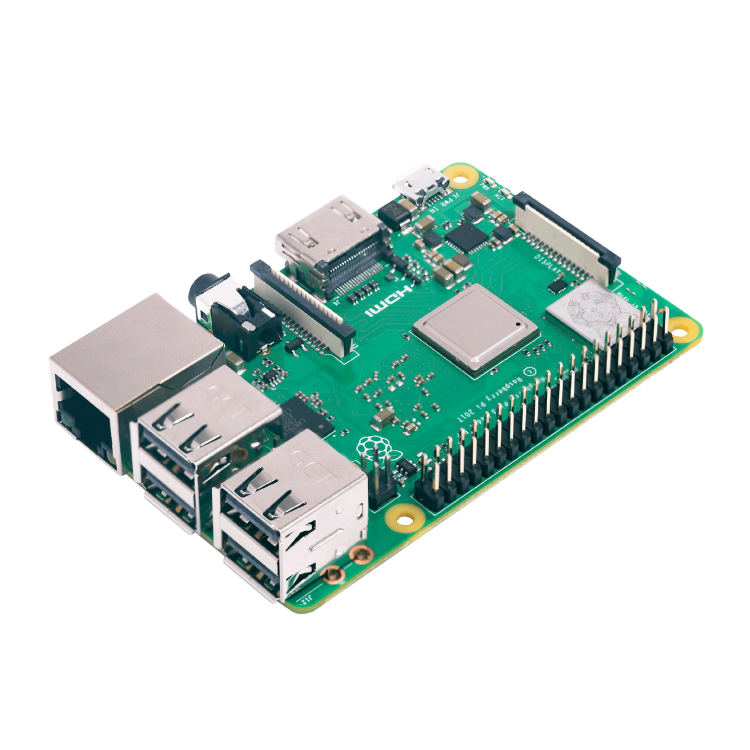
Reliable Raspberry Pi 3 deployments
Latest: v2.4.7o
Reliable Raspberry Pi 4 deployments
Official image is not yet released.
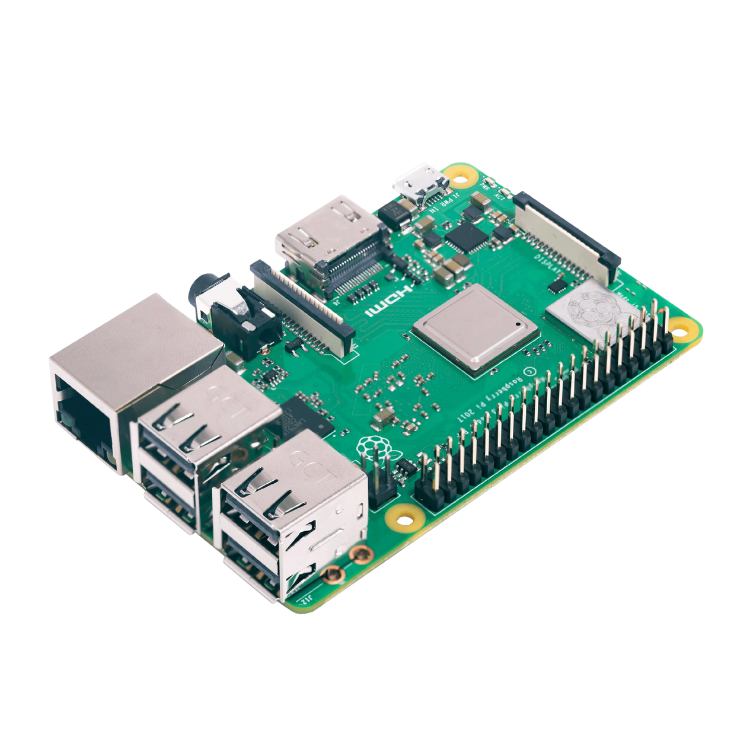
High-performance Raspberry Pi setup
Official image is not yet released.
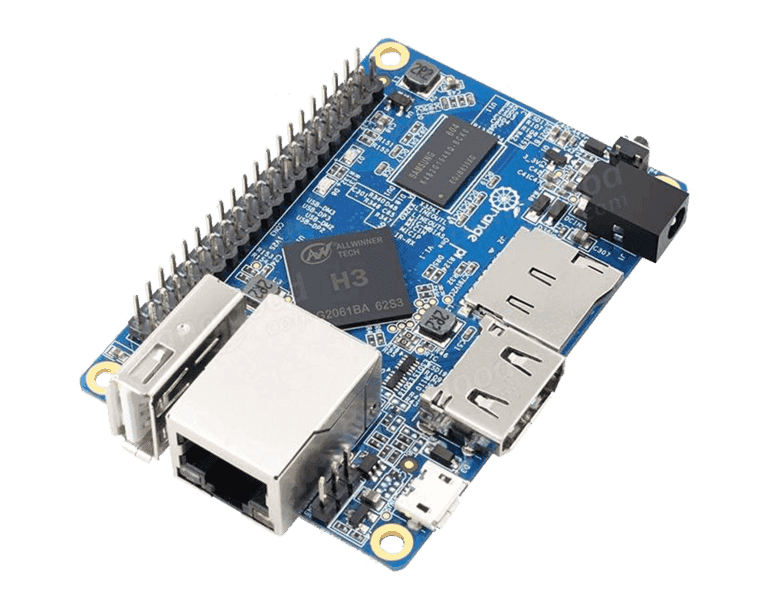
Budget Orange Pi One deployments
Latest: v2.4.7v
Budget Orange Pi PC deployments
Latest: v2.4.7v
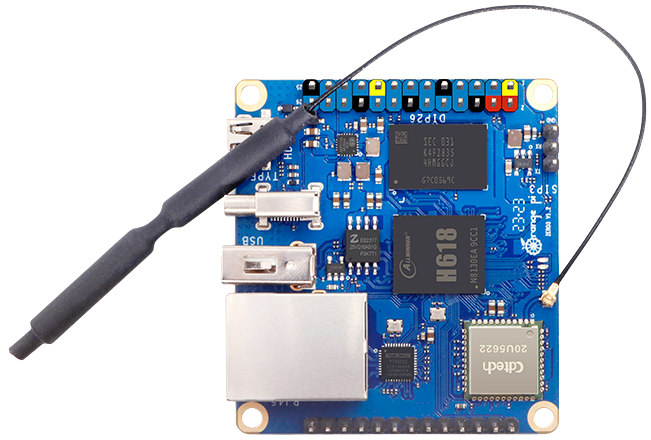
Compact single-board setup
Official image is not yet released.
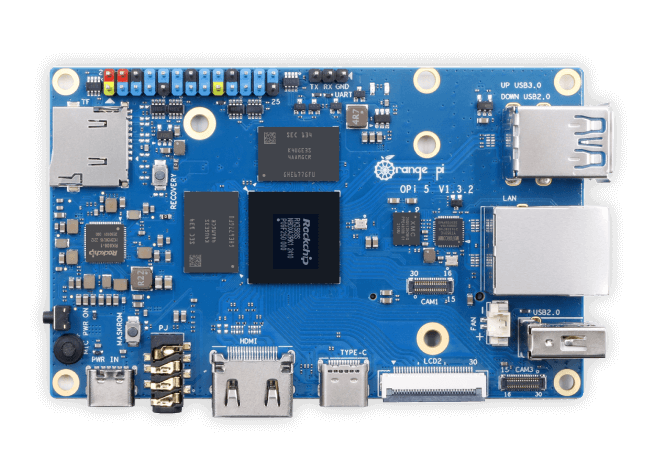
Powerful Orange Pi main vendo
Official image is not yet released.
High-performance Orange Pi 5 Plus setup
Support is being prepared and may require extra checking.
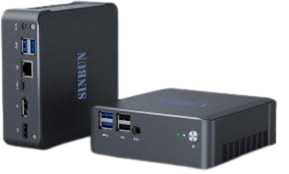
Spare PC or mini PC installation
Latest: v2.4.7r
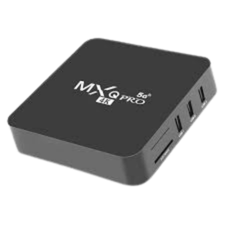
Very budget-friendly machine
Official image is not yet released.
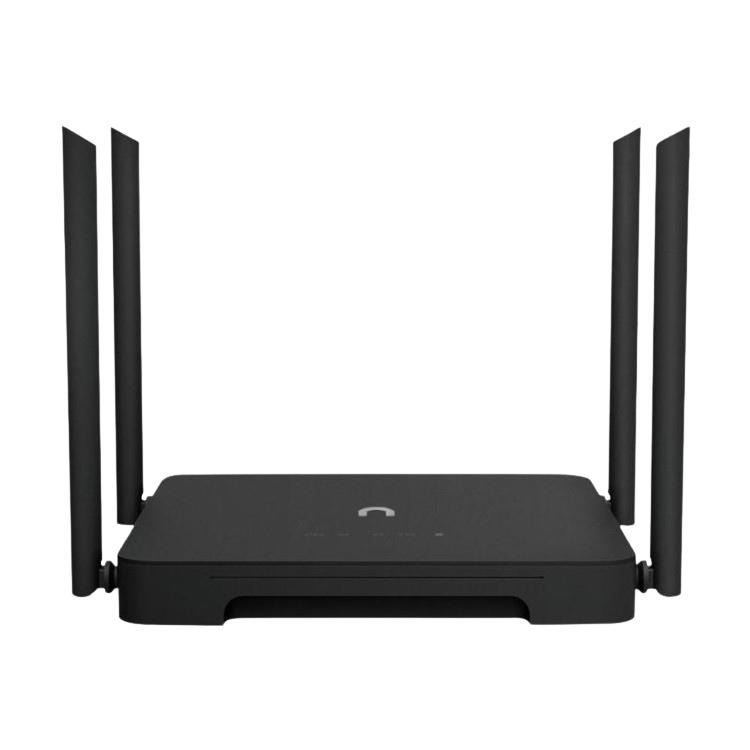
Board and access point in one device
Official image is not yet released.
Budget OpenWrt-style router build
Official image is not yet released.
Direct ROM flash installation
Official image is not yet released.
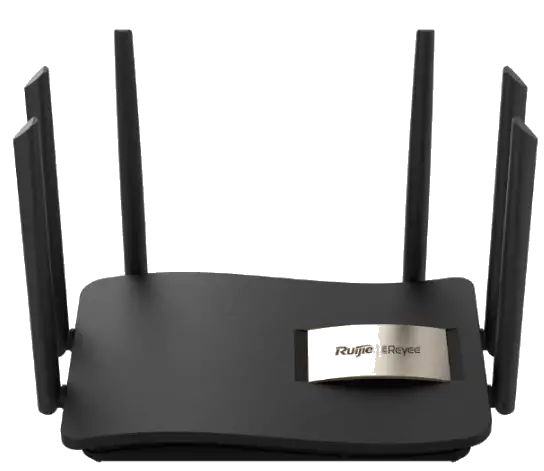
Strong wireless router deployment
Official image is not yet released.
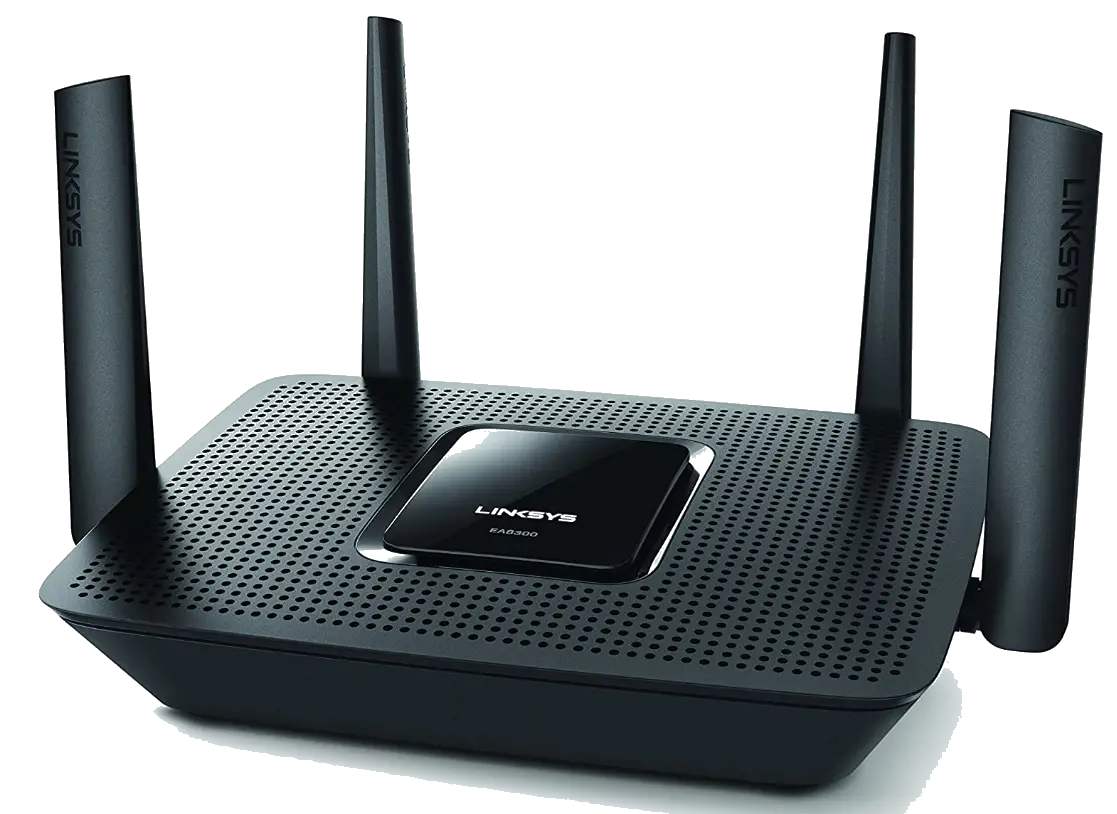
Multi-client router-based setup
Official image is not yet released.
FLashing Sub Vendo Device
Latest: v3.7.11
Custom supported board
Official image is not yet released.